Loading
Demo playbook · 5–8 min
Owner KPIs & reports
Owner evaluation: dashboard attention list, ARO-style KPIs, reports pack, multi-location HQ when seeded, integration honesty in settings.
Role for this script
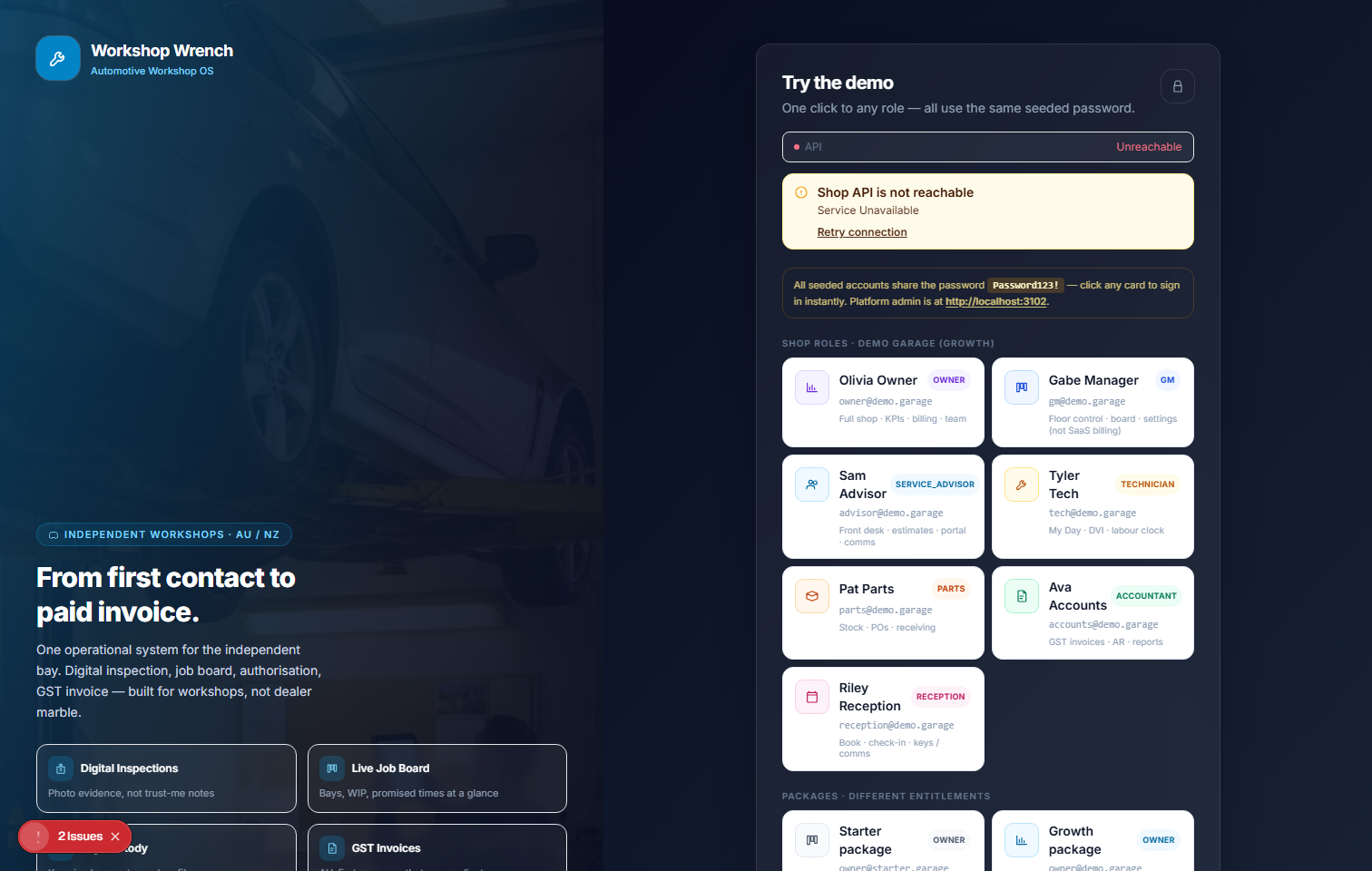
owner@demo.garage
Password is issued on your live demo access desk after you request access (also emailed).
KPI widgets Live; some chart series hybrid (live + mock) with source labels — never Connected for stubs.
Request accesslive demo capture
Checklist
Step-by-step evaluation
Follow in order. Expected outcomes keep the demo honest.
Step 1 · /dashboard
Login as owner — land on dashboard.
Expect: Open jobs, AR, attention widgets
Step 2 · Dashboard
Read attention list — open a blocked job from the list.
Expect: Drill into board/RO
Step 3 · /reports
Open Reports pack — look for the weekly owner briefing (in-app; SMTP mock).
Expect: Operational report surfaces; digest is not Connected BI
Step 4 · /settings
Open Settings — rates, locations, integrations strip.
Expect: Honest stub/dry-run labels
Step 5 · Dashboard / parts
If multi-location seed present, review HQ KPI / transfer path.
Expect: Group visibility without fake franchise claims
Honesty caveats
- Chart series may show data-series-source labels — respect hybrid honesty.
- Fleet and warranty UIs are Partial shells, not full portals.