Loading
Demo playbook · 8–12 min
Advisor money path
8–12 minute advisor demo: login, intake or seed RO, board, estimate lines, approve, invoice, payment record. Live multi-tenant demo.
Role for this script
owner@demo.garage
Password is issued on your live demo access desk after you request access (also emailed).
Core money path is Live. Stripe Checkout is Stub without keys; payment records are Live.
Request accesslive demo capture
Checklist
Step-by-step evaluation
Follow in order. Expected outcomes keep the demo honest.
Step 1 · /login
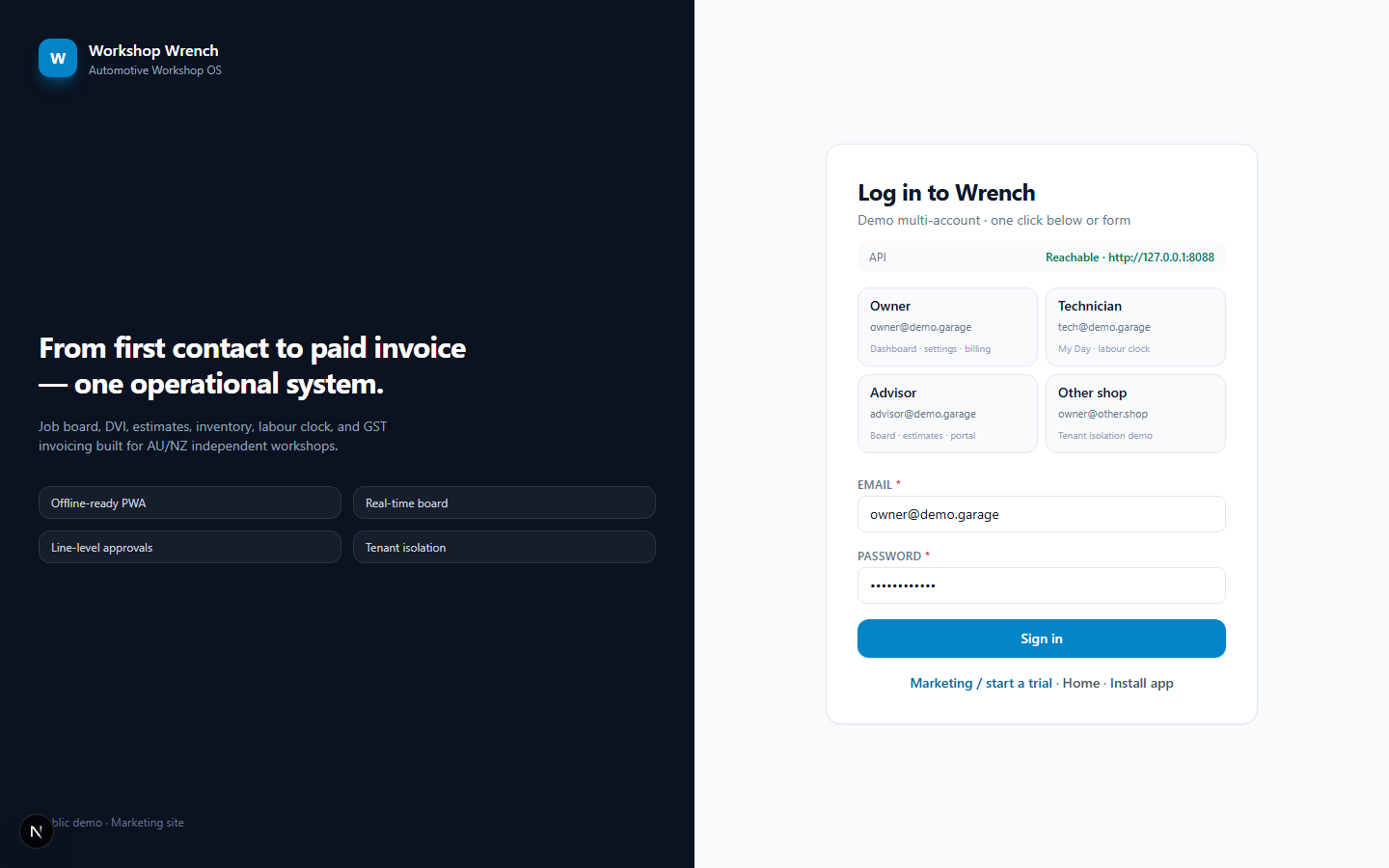
Open login and sign in as owner (or advisor when seeded).
Expect: Dashboard KPIs load
Step 2 · /customers
Open Customers — search seed customer or create name + phone + vehicle + RO.
Expect: RO appears; toast with number
Step 3 · /board
Open Board — find the RO card by stage.
Expect: Card links to RO detail
Step 4 · RO detail
On RO: add estimate line(s); optionally convert a DVI finding.
Expect: Lines list updates
Step 5 · RO detail
Approve pending lines (stock reserves when part linked).
Expect: Approval state + reserve side-effect
Step 6 · Board / RO
Transition RO along valid board edges toward ready.
Expect: Domain enforces canTransition
Step 7 · RO / Invoices
Create GST invoice from approved work.
Expect: Tax invoice issued
Step 8 · /invoices
Record payment on invoice (cash/card record).
Expect: AR updates; no silent free work
Honesty caveats
- Do not claim Stripe live pay unless STRIPE_SECRET_KEY is set in that environment.
- Xero remains Dry-run — books of record stay in Xero via your normal habits until remote push is proven.