Loading
Technician · efficiency
LiveTechnician workflow without desktop CRM noise
Techs should spend cognitive load on diagnosis and repair — not hunting the same screens advisors use for AR. My Day + timers + DVI keep the floor fast. Stall-risk is a waiting-on-parts overlay, not a new RO status.
Primary persona: Technician
The problem
What breaks without this process
Forcing technicians through full advisor UIs slows jobs and destroys time-capture discipline.
Why it matters
Rationale — profit, risk, and shop floor truth
- 01
Job-linked labour clocks make efficiency (billed/worked) coachable.
- 02
Assigned work list reduces “what next?” idle time between jobs.
- 03
DVI capture in job context feeds ARO without a second app silo.
- 04
Installable PWA + offline queue path supports bay Wi‑Fi reality.
Proof from the live demo
Real UI — not a pitch mockup
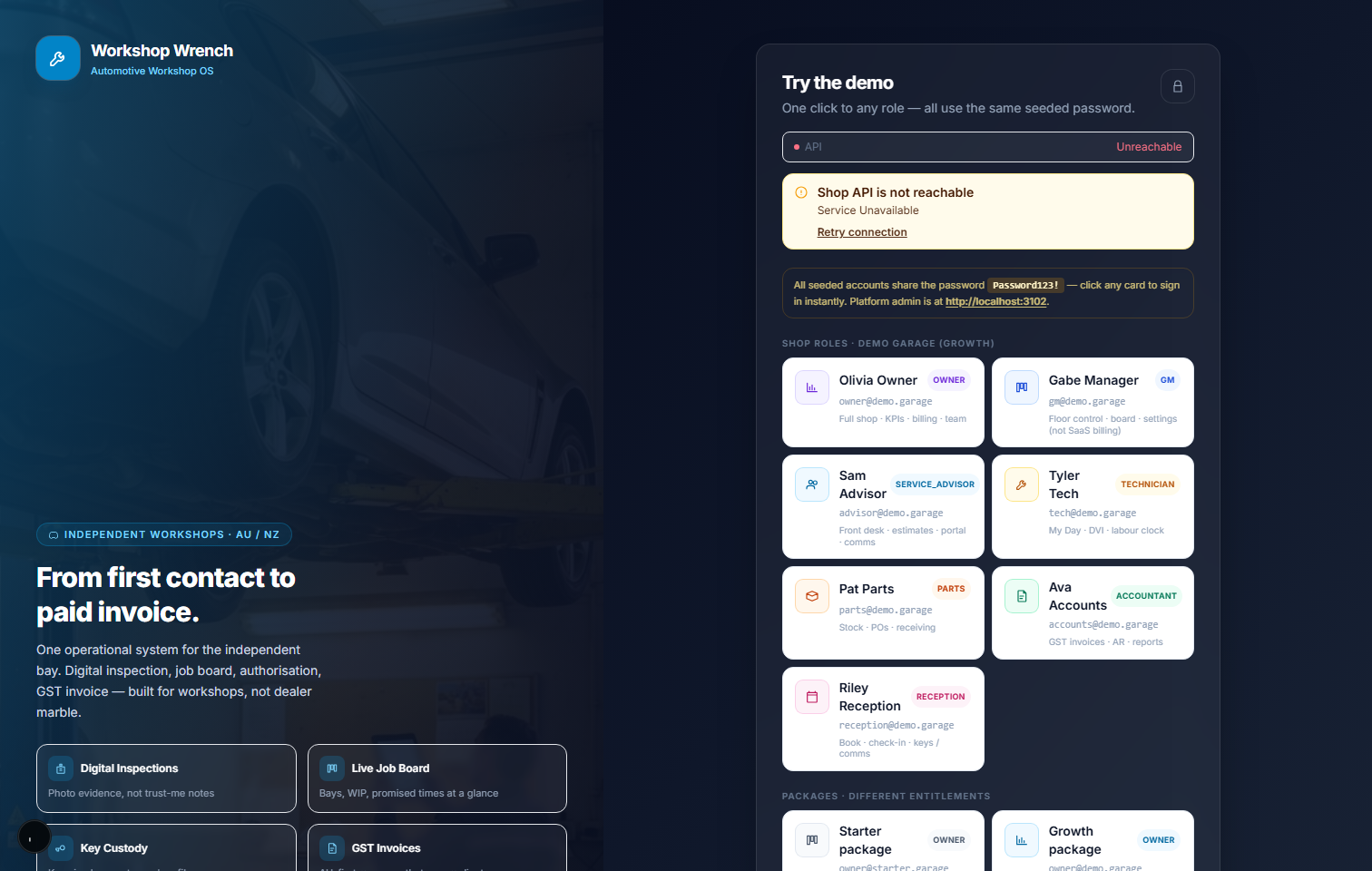
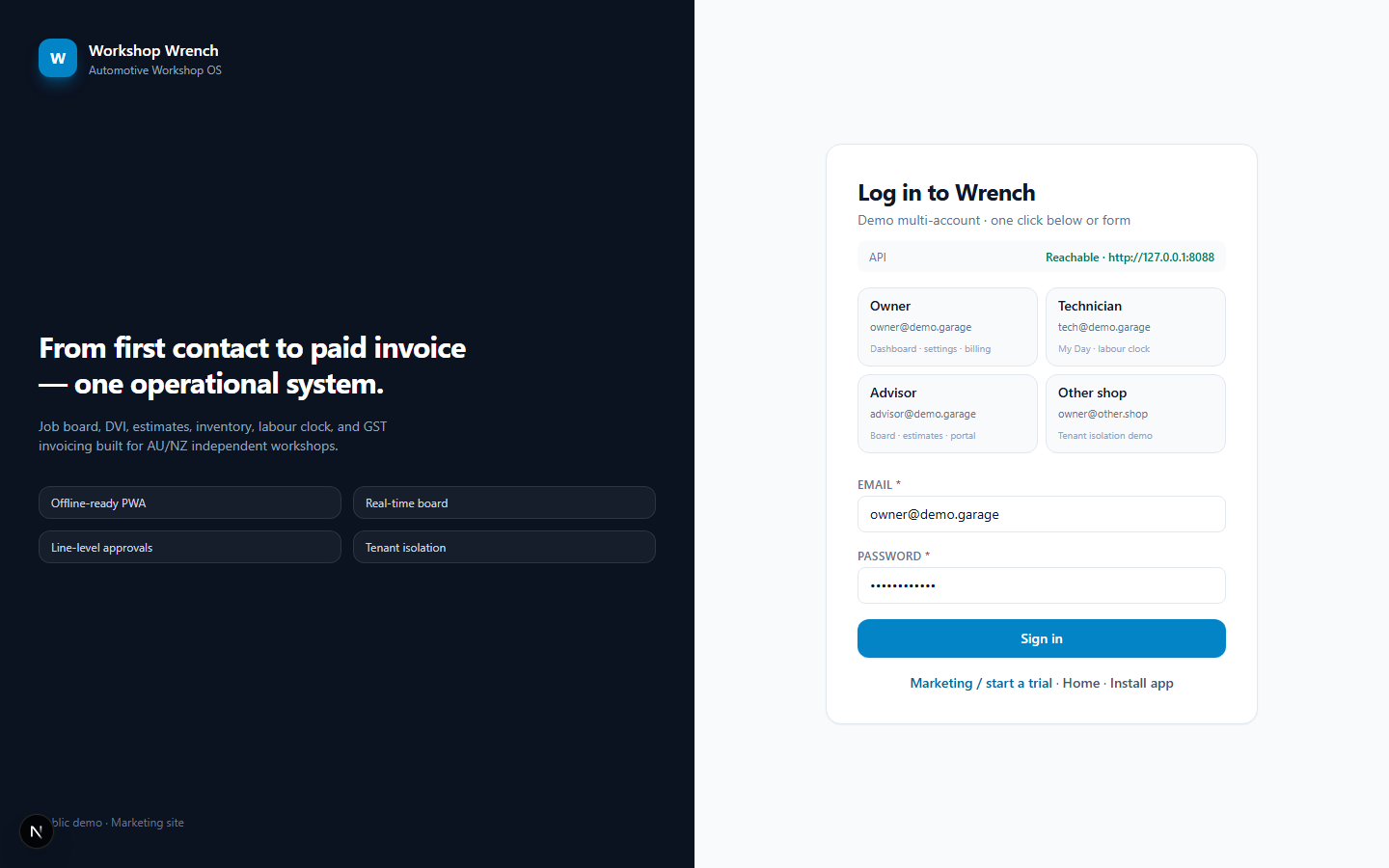
Captured from the seeded multi-tenant demo. Open the same surface with demo credentials.
live demo capture
live demo capture
Stage sequence
Step-by-step use case
Each stage lists the action, the business why, and the intended outcome. This is how we implement and test the product — not marketing fiction.
- 01
Open My Day
Action
Login as tech; see assigned jobs without full owner navigation noise.
Why this stage
Role-fit UI is a training and speed feature, not cosmetics.
Surface: My DayOutcome: Clear queue - 02
Inspect & record
Action
Capture findings; convert recommended work when appropriate.
Why this stage
Evidence at the source is cheaper than advisor re-asking later.
Surface: InspectionsOutcome: Findings saved - 03
Clock labour
Action
Start/stop timer on the active RO; time attaches to the job.
Why this stage
Unbilled labour is pure waste; timers create the raw data for ELR and efficiency.
Surface: My Day / ROOutcome: Time on job - 04
Advance when ready
Action
Move toward READY when work and QC intent complete; flag parts waits honestly.
Why this stage
Honest stages keep customer ETAs and utilisation metrics trustworthy.
Surface: BoardOutcome: Stage truth
Related search intent
- technician mobile app offline shop
- shop labour time tracking
- tech board auto repair